Home
Beer Menu is a tap list for a home bar. A TV shows what is on each tap, and you keep it up to date in a web admin app from your computer or phone.
The source code, releases and issue tracker are in the Beer Menu GitHub repository.
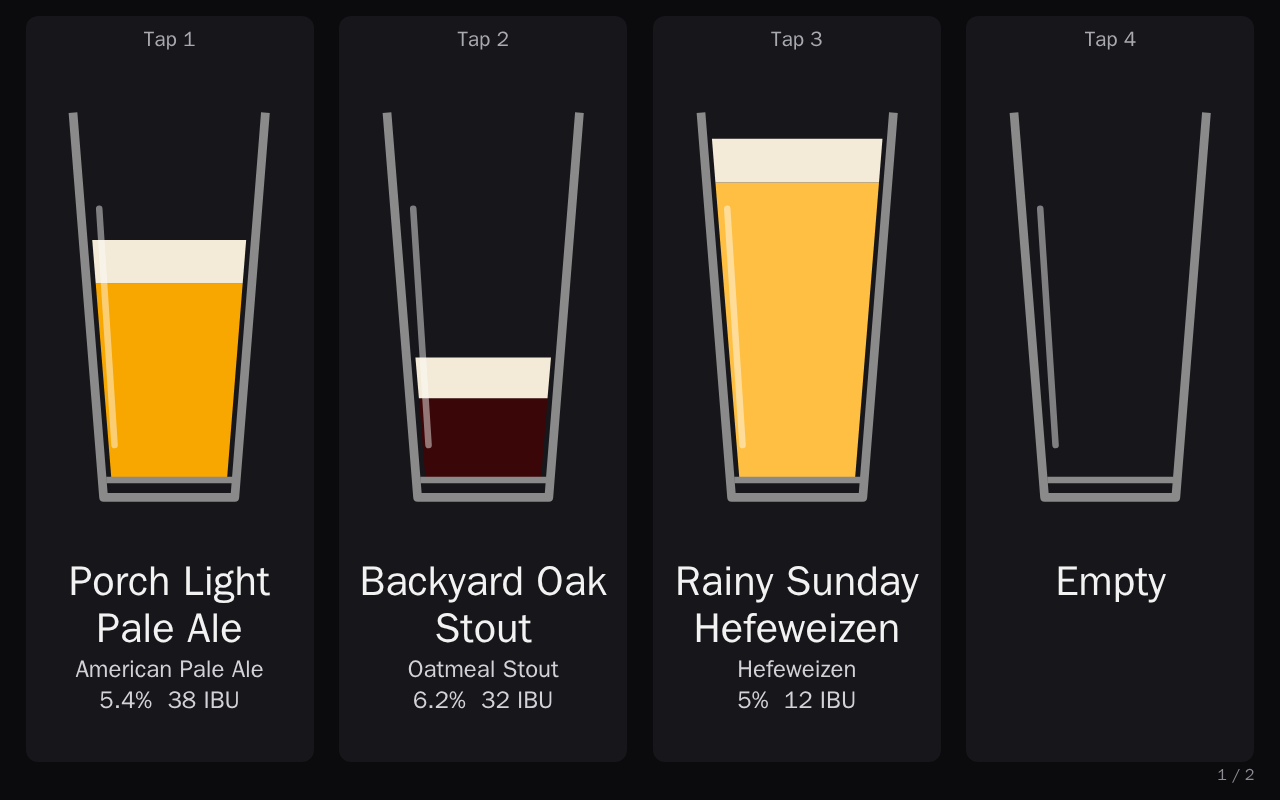
The two parts of Beer Menu
- The TV display shows each tap with its beer and how full the keg is, then the kegs that are coming soon. It updates by itself when you change something.
- The admin app is where you add beers, put kegs on taps, record pours and kick empty kegs. It also holds the settings for the TV, the other admins and two-factor sign-in.
Each page of this guide matches one page of the admin app, in the same order as the app's side panel. Use the menu to go to any page.
Where to start
If Beer Menu is not running yet, start with Install with Docker. To create your admin account and sign in for the first time, see Getting started.
Day to day, you mostly use the Taps page: it is where you put a keg on a tap, record pours and kick a keg when it runs dry.